Walk through your home — virtually
Link 360° room panoramas to floor plan hotspots on a PNG plan. Preview the tour on Plus Safe+; create an optional private share link when setup is complete.
Panoramas need layout context
Panoramas plus layout
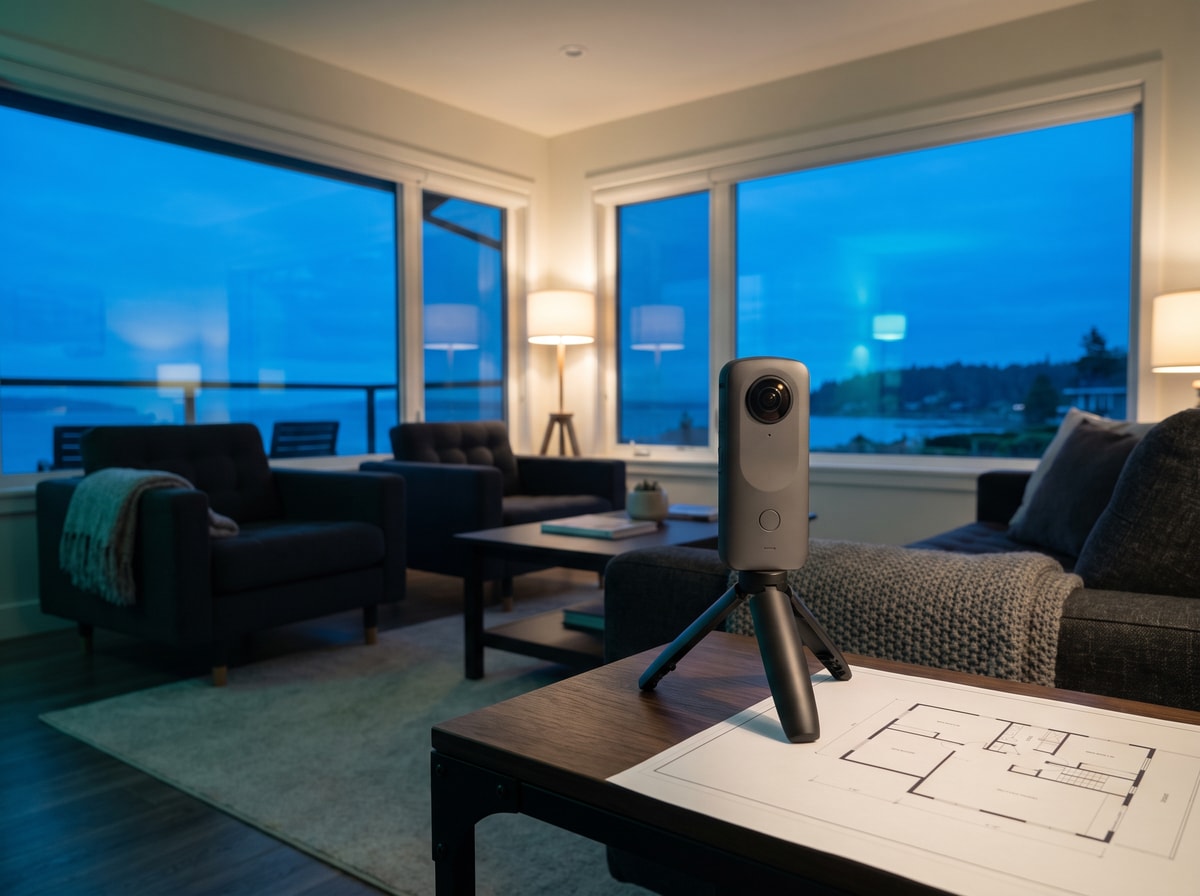
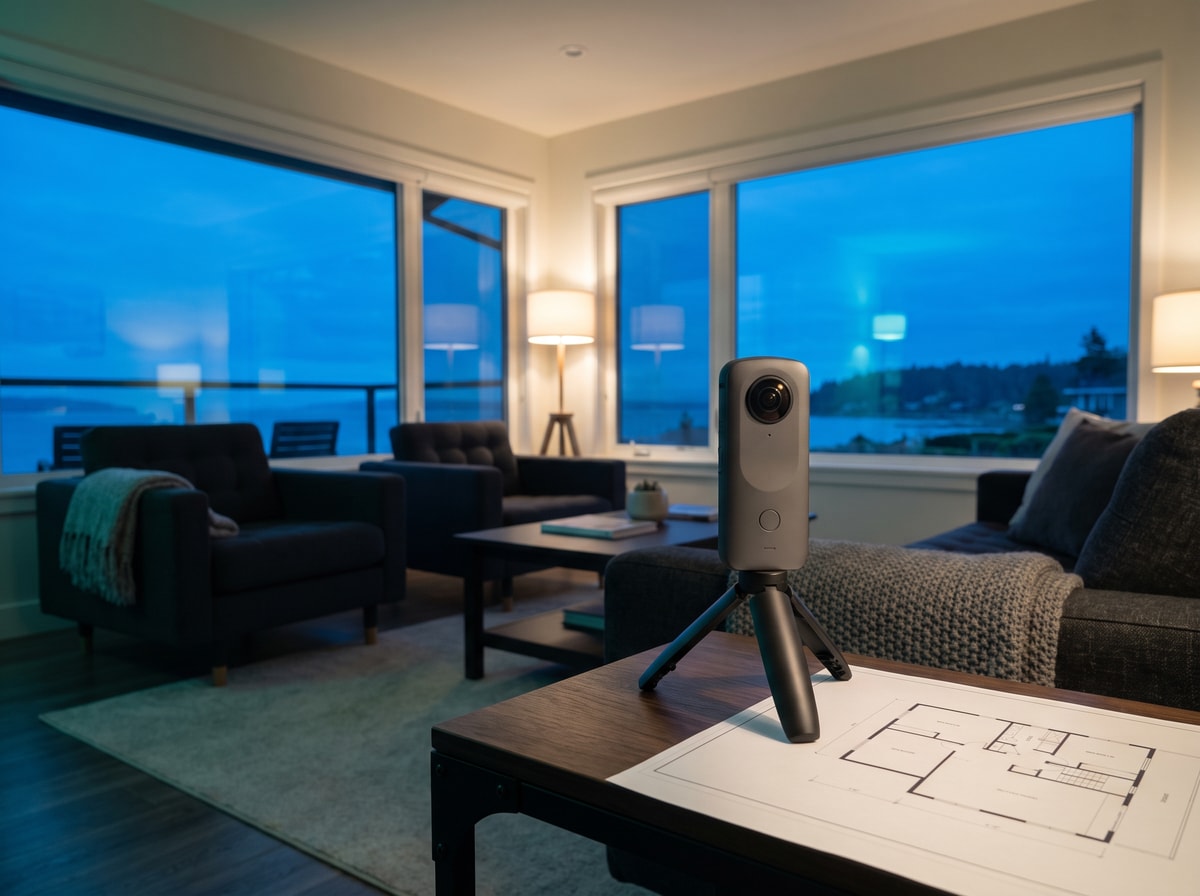
360° photos show what is inside each room. A floor plan shows how those rooms connect — together they give adjusters spatial proof flat photos cannot.
Floor plan minimap
Tap a room hotspot on your plan to open its panorama. Item markers stay linked so viewers see where verified belongings stood before a loss.
Optional private share
You choose when to create a `/tour/{token}` link — separate from agent share. No public embed or SEO indexing.
How it works
Step 1
Document rooms on the Capture tab — phone photos or 360° panoramas on Plus Safe+.
Step 2
Upload or create a floor plan on the Floor Plans tab (BYO on any plan; editor on Plus Safe+).
Step 3
Place floor plan hotspots linking each room panorama to the plan image.
Step 4
Preview virtual tour from Floor Plans when readiness checks pass.
Step 5
Optionally create a private share link from Export & share.
Start with floor plans
Virtual tour requires a published floor plan and linked 360° panoramas. Create or upload a plan on the Floor Plans tab, then capture rooms on Plus Safe+. Concierge Capture delivers a professional floor plan, places interactive hotspots, and activates your virtual tour in one shoot.
Virtual tour FAQ
Continue exploring
See room layout and panoramas together
Plus Safe+ links your floor plan minimap to 360° capture — no separate virtual-tour vendor.
Cancel anytime · No credit card for Free Starter