Room prep & shoot checklist
Get every room camera-ready, pick a capture path, then shoot and upload. For camera and gimbal picks, see recommended gear.
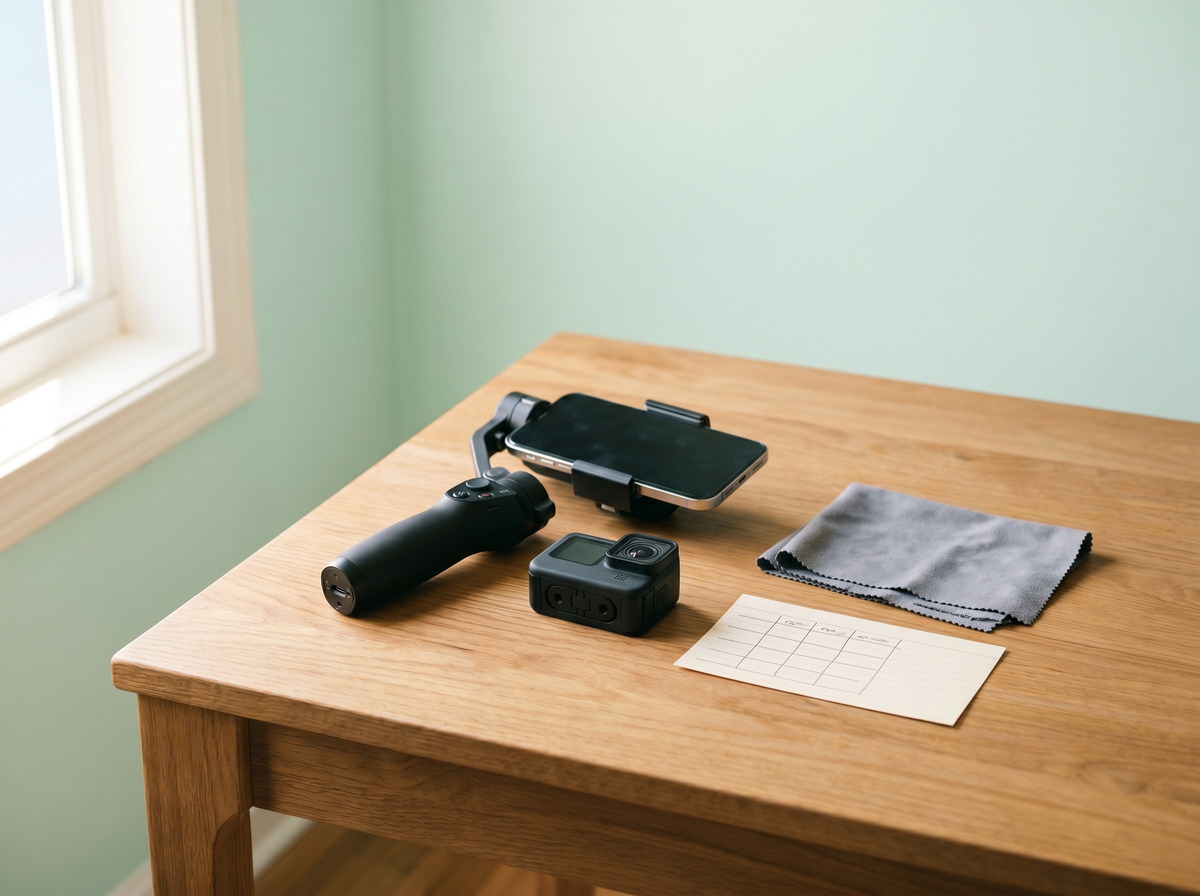
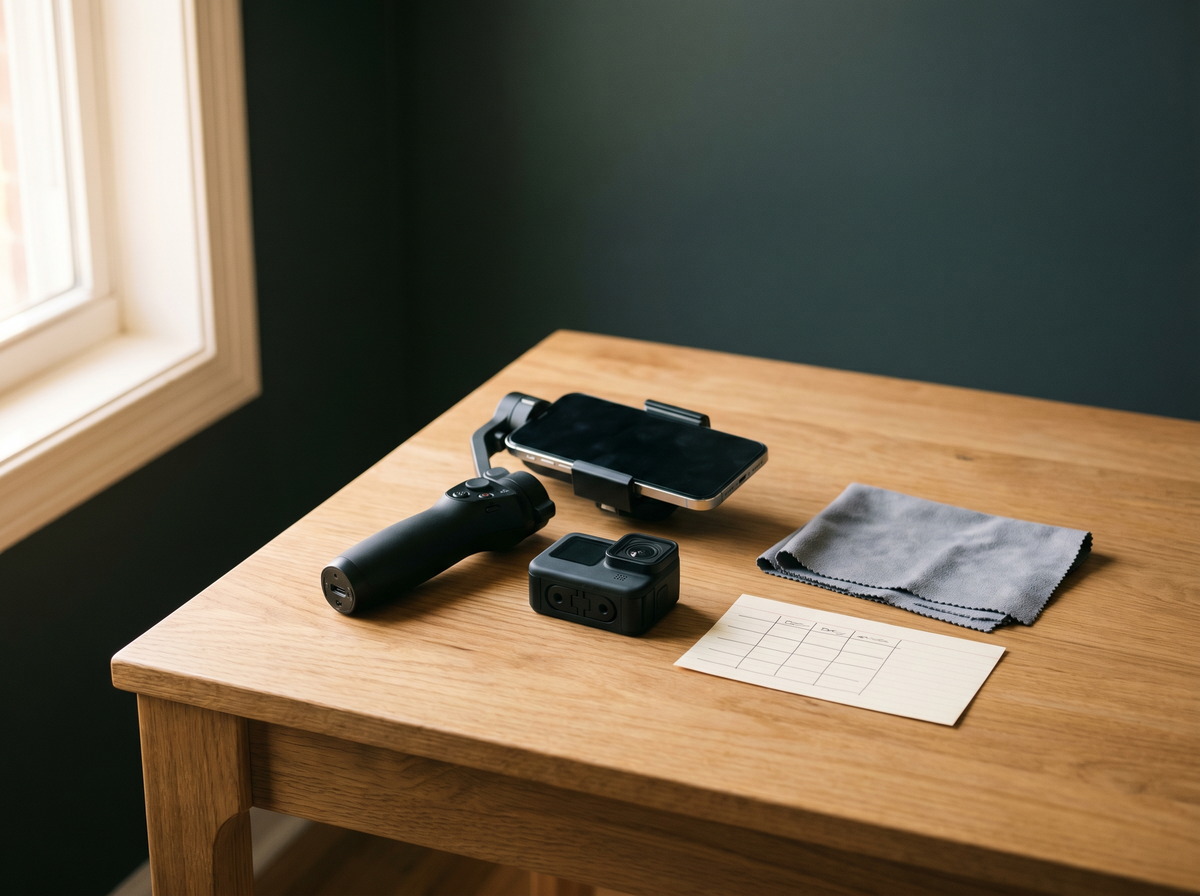
Your capture workflow
Prepare your home
Declutter, open cabinets, and get every room camera-ready. Good prep means sharper footage and better AI detection — whether you shoot on phone or 360°.
Choose your capture setup
Phone and gimbal on Free or Basic, Insta360 or GoPro for Plus Safe and Pro Vault, or Concierge Capture on Plus Safe or Pro Vault if you skip gear. See recommended cameras when you are ready to buy.
Capture and upload
Shoot room by room, upload to Cadastre Home, and confirm the AI -built checklist so each room is covered before you move on.
Prepare your home
A prepped home produces sharper footage and helps AI catalog more items — whether you shoot on phone, 360°, or book Concierge Capture. These guidelines come from our certified partner Snap360Media .
5 preparation tips
- Clear counters and surfaces so every item is visible on camera.
- Declutter and organize — store away personal items you are not documenting.
- Open cabinets, closets, and drawers so contents appear in your walkthrough or panoramas.
- Turn on all lights and open blinds for even, consistent lighting in every room.
- Finish with small details — tidy beds, aligned chairs, and fresh towels make rooms easier to catalog.
Session guidelines
- At your scheduled appointment time — or when you begin a DIY session — have your home camera-ready. Concierge partners may need to reschedule if rooms are not prepared.
- During a partner shoot, step outside or run an errand so the photographer can capture each room without foot traffic or items being moved in and out.
- Plan roughly 15–30 minutes per room for phone photos or 360° capture. A full home typically takes one session; large homes may need two.
Room-by-room checklist
Exterior
- Pull weeds, trim overgrown shrubs, and rake leaves.
- Mow the lawn, edge walkways, and sweep porches and sidewalks.
- Put away garden hoses and pick up yard clutter.
- Move cars out of the driveway.
- Wipe down outdoor furniture and straighten cushions.
Living room
- Remove magazines, remotes, and visible clutter.
- Organize bookshelves in a neat pattern.
- Fluff pillows, fold throws, and arrange seating cleanly.
- Hide shoes and personal items that distract from furniture and fixtures.
Kitchen
- Clear countertops — hide soaps, sponges, and small appliances.
- Remove papers, dishes, and magnets from the refrigerator.
- Open cabinet and pantry doors so contents are visible on camera.
- Wipe down surfaces and sweep or mop the floor.
Family room
- Pick up clutter and arrange furniture for clear sight lines.
- Tuck electronic cords out of view.
- Fluff pillows and fold throws neatly.
- Open entertainment centers or built-ins if you are documenting contents inside.
Dining room
- Wipe the table and arrange chairs neatly.
- Remove leftover dishes, water bottles, and mail from the table.
- Sweep or mop the floor to remove scuff marks.
Bedrooms
- Store away loud decor and sensitive personal items.
- Remove box fans and standing fans from the room.
- Make the bed with a clean spread and neatly arranged pillows.
- Clear or organize nightstands; open closet doors for wardrobe documentation.
Bathrooms
- Remove shampoo, soaps, and toys from the shower and tub.
- Move out garbage cans, bathmats, laundry baskets, scales, and toilet brushes.
- Hang fresh matching towels; close the toilet lid.
- Clear countertops — everything should be put away except coordinated towels or a shower curtain.
Choose your capture setup
Pick the path that matches your tier and budget. Gear recommendations live on a separate page so this guide stays focused on prep.
Three paths
- Standard photos — Free Starter and Basic. Shoot room-by-room photos; AI builds your checklist.
- DIY 360° — Plus Safe and Pro Vault. Upload Insta360 raw files or stitched GoPro panoramas for interactive room walkthroughs.
- Done for you — Concierge Capture. Certified partners shoot on-site; no camera purchase required.
Capture and upload
Shoot each prepped room, then upload to Cadastre Home. AI builds your inventory checklist from the footage you confirm.


Preferred Louisiana partner
Snap360Media
Louisiana's premier 360° property documentation team. Professional 360° capture, floor plans, and vault pre-seed — the team behind Concierge in Louisiana.
Learn more at snap360media.comRooms ready? Start capturing.
Create a free account and upload a phone walkthrough — or pick gear for Plus Safe 360° capture.
No credit card for Free Starter · Cancel anytime